Leave your Mac on the table.
Like a Plaud, without the device. Keeti tells the voices in the room apart and writes the notes.
- 01
Everyone sits down.
No device to bring. The Mac on the table is enough.
- 02
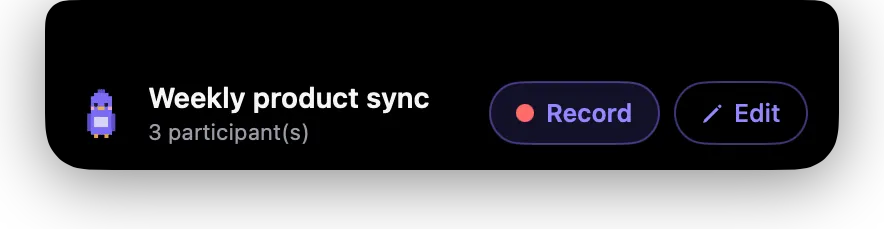
Your calendar suggests it.
Title and attendees, filled in. One click to record, or press control twice.
- 03
Every voice, told apart.
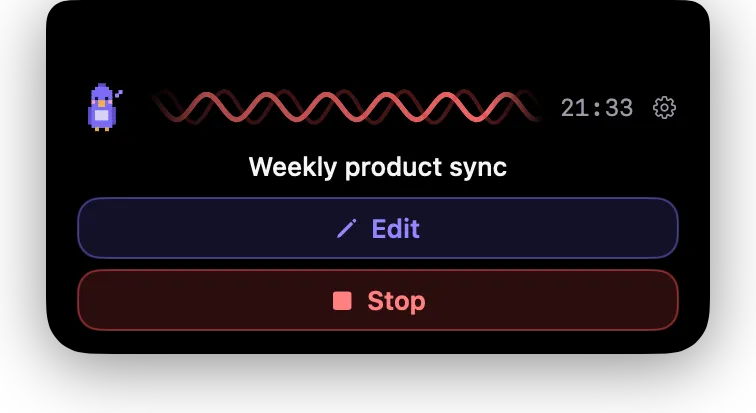
Up to about five voices in the room, each with its name.
- 04
Stop when it ends.
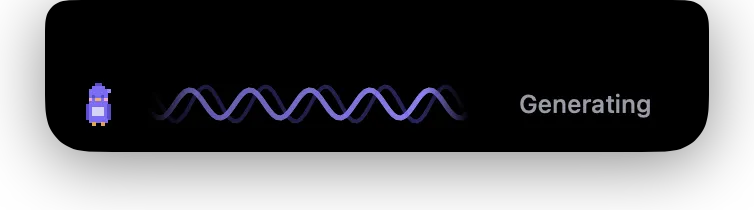
Transcribed on your Mac, in the background.
- 05
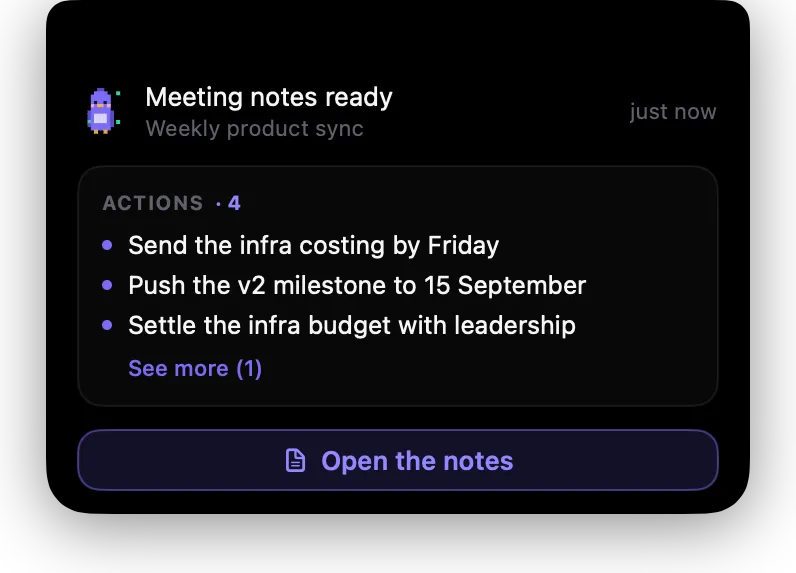
The notes are ready.
Decisions, who does what, what's still open.
- Markdown
- Ask Claude
- Webhook
Same three steps. One device fewer.
- 01 Record
- 02 Understand
- 03 Done
 PlaudA device, then the cloud
 KeetiYour Mac
From a 1:1 to the weekly meeting.
Up to about five voices in the room, told apart.
- A 1:1
- The weekly meeting
- A workshop
Holds a real working day.
- Back to back
Notes are written in the background.
- Awake
Your Mac stays awake while it records.
- Nothing lost
A quit or a restart loses nothing.
Questions.
Do I have to tell people I'm recording?
Yes. Keeti reminds you; saying it is up to you.
How many voices can it tell apart?
Up to about five. Beyond that, who said what gets less reliable.
Which calendar does it use?
Apple Calendar, and Google Calendar on a Google Workspace account.
Where do my recordings go?
The notes go to your folder, in Markdown and PDF. The audio stays in Keeti, on this Mac.
Your next meeting writes itself up.
No card · macOS 15 or later · Apple Silicon